Preview
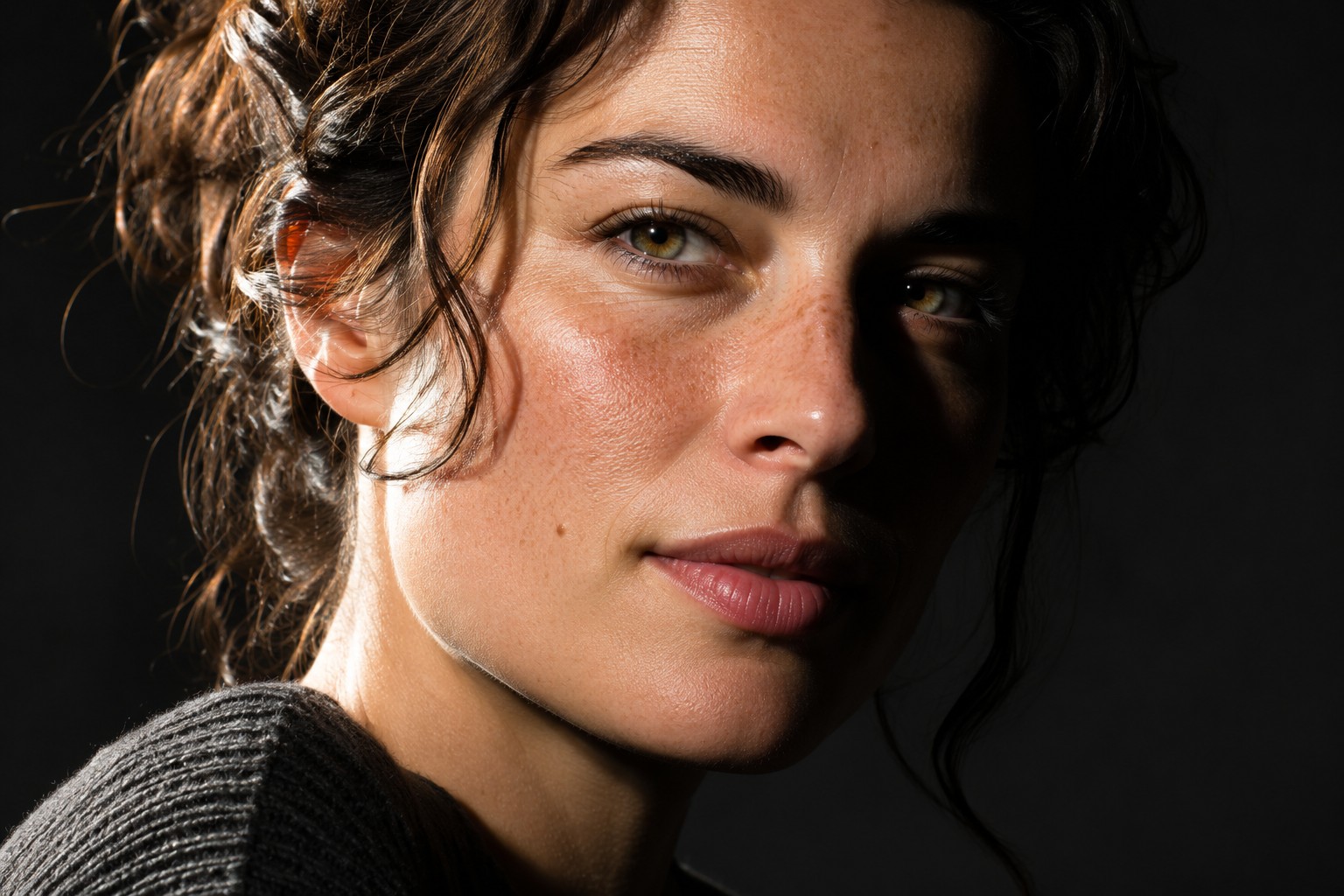
<DitherImage src={"/examples/portrait.jpg"} colorBack={"#000000"} colorFront={"#00b2ff"} colorHighlight={"#d6efff"} type={"8x8"} size={2} />Colours
Type
Installation
pnpm add astro-dithernpm i astro-ditherbun add astro-ditherOr copy the source into your project: npx astro-dither add image
Usage
---
import { DitherImage } from "astro-dither";
---

<DitherImage src="/examples/portrait.jpg" alt="A dithered portrait" />
Paper's image dithering shader over your photo, in its own context. The img stays in the tree as the fallback and for screen readers, so alt text keeps working with or without the shader.
Props
| Prop | Type | Default | Description |
|---|---|---|---|
src | string | ImageMetadata | required | The photo to dither. |
alt | string | required | Alt text kept on the img. |
type | "random" | "2x2" | "4x4" | "8x8" | "8x8" | The threshold pattern. |
size | number | 2 | Dither cell size in pixels. |
colorBack | string | "#000000" | Paper colour. |
colorFront | string | "#00b2ff" | Ink colour. |
colorHighlight | string | "#d6efff" | Bright edge colour. |
colorSteps | number | 2 | Palette steps the photo quantizes to. |
originalColors | boolean | false | Keep the photo's own colours. |
inverted | boolean | false | Invert the mapping. |
speed | number | 1 | Animation speed, 0 for a still. |
class | string | undefined | Classes on the element. |
Notes
- Decorative surfaces render
aria-hidden. Put real text on top, not inside them. - With reduced motion it draws one still frame and stops.
- It pauses when scrolled out of view or when the tab is hidden.